Clipboard Investigator
Use this tool to see what's really in your clipboard! Just paste using Ctrl+V (or Cmd+V on Mac) to see.
NOTE: none of this data is sent to a server. The JS code is simple enough that you can see everything that happens via Inspect Element.
More Details
- Copy something from any source you'd like (a web page, Notion, the terminal, etc.)
- "Paste" on the page (hit Ctrl+V or Cmd+V)
- See the full extent of what's in your clipboard: not just the text, but also the different types of text
I built a version of this for a bug I ran into at work. It helps me debug exactly what is being copied and pasted into my app. Helpful when debugging paste issues with a rich text editor.
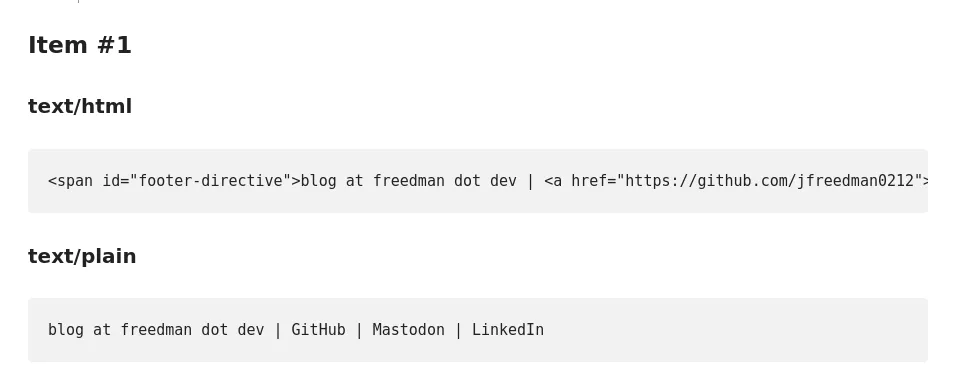
For example, if I copy my footer:

It will produce the following output: